.png) Sign in ☰
Sign in ☰Finding Your TB-Key
The TB-Key is a unique identifier for your Tidsbanken environment.
While the subscription key grants access to the API platform, the TB-Key tells the API which customer database your requests should target. Each environment—test and production—has its own TB-Key.
You must include this key in every API request.
Where to find your TB-Key
You can retrieve the TB-Key directly inside Tidsbanken:
Log in to Tidsbanken using an administrator account.
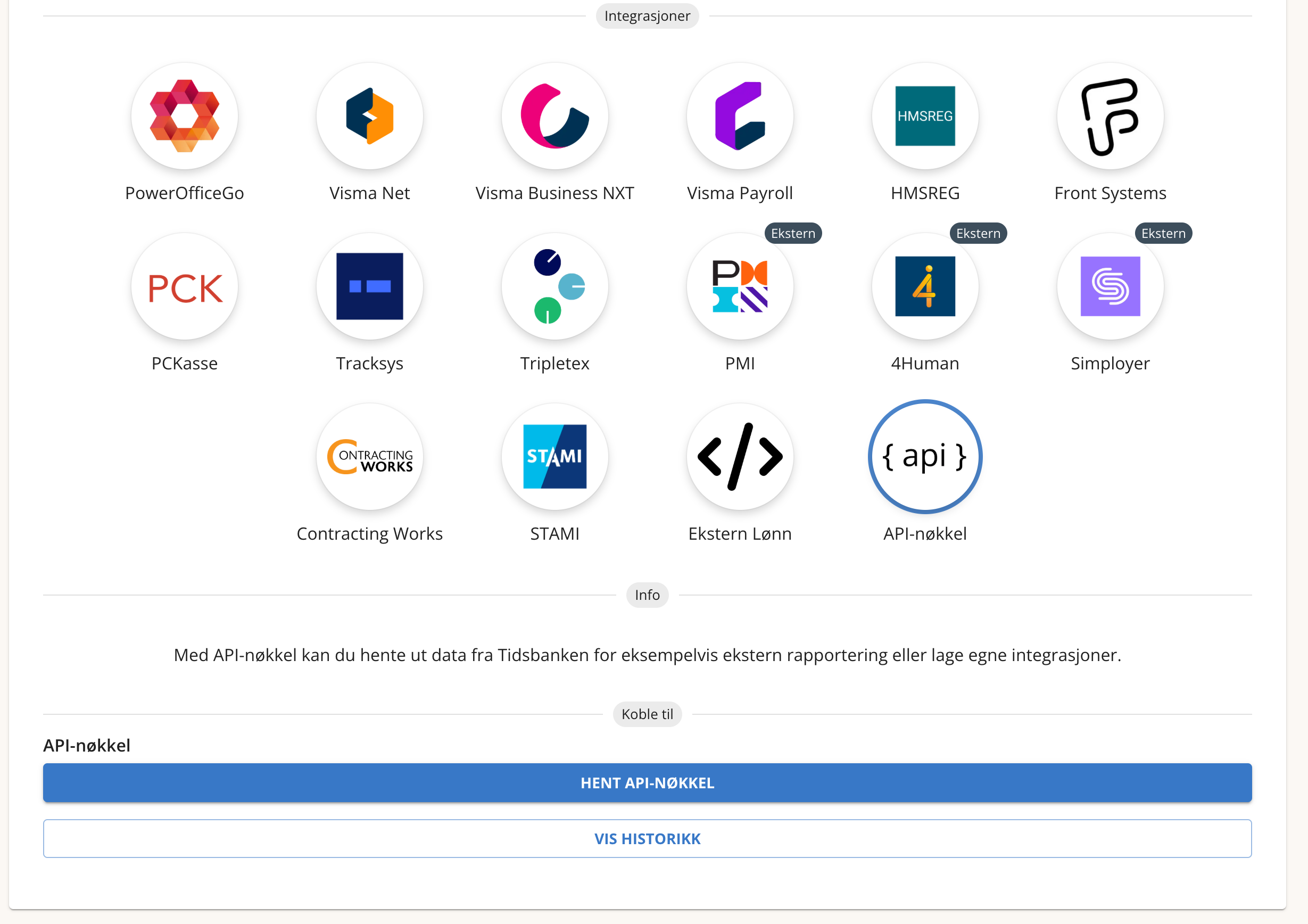
Open the wrench icon in the bottom-right corner and go to Integrasjon.
Locate the section labeled API-nøkkel.
Click Hent API-nøkkel to generate and display your key.
Copy the key and include it in your API requests.
If you have multiple environments (e.g., Test and Production), each will show its own TB-Key.
Make sure you use the correct key for the environment you are integrating with.
Using the TB-Key in API requests
Include it in the header of all calls:
tb-key: <your TB-key>This ensures the API routes your request to the correct customer database.
Important notes
The TB-Key is unique for each database
If you switch from test to production, remember to update the key
The TB-Key can be regenerated by Tidsbanken support if needed
Do not share the TB-Key publicly or store it in unsecured locations
If you don't have license
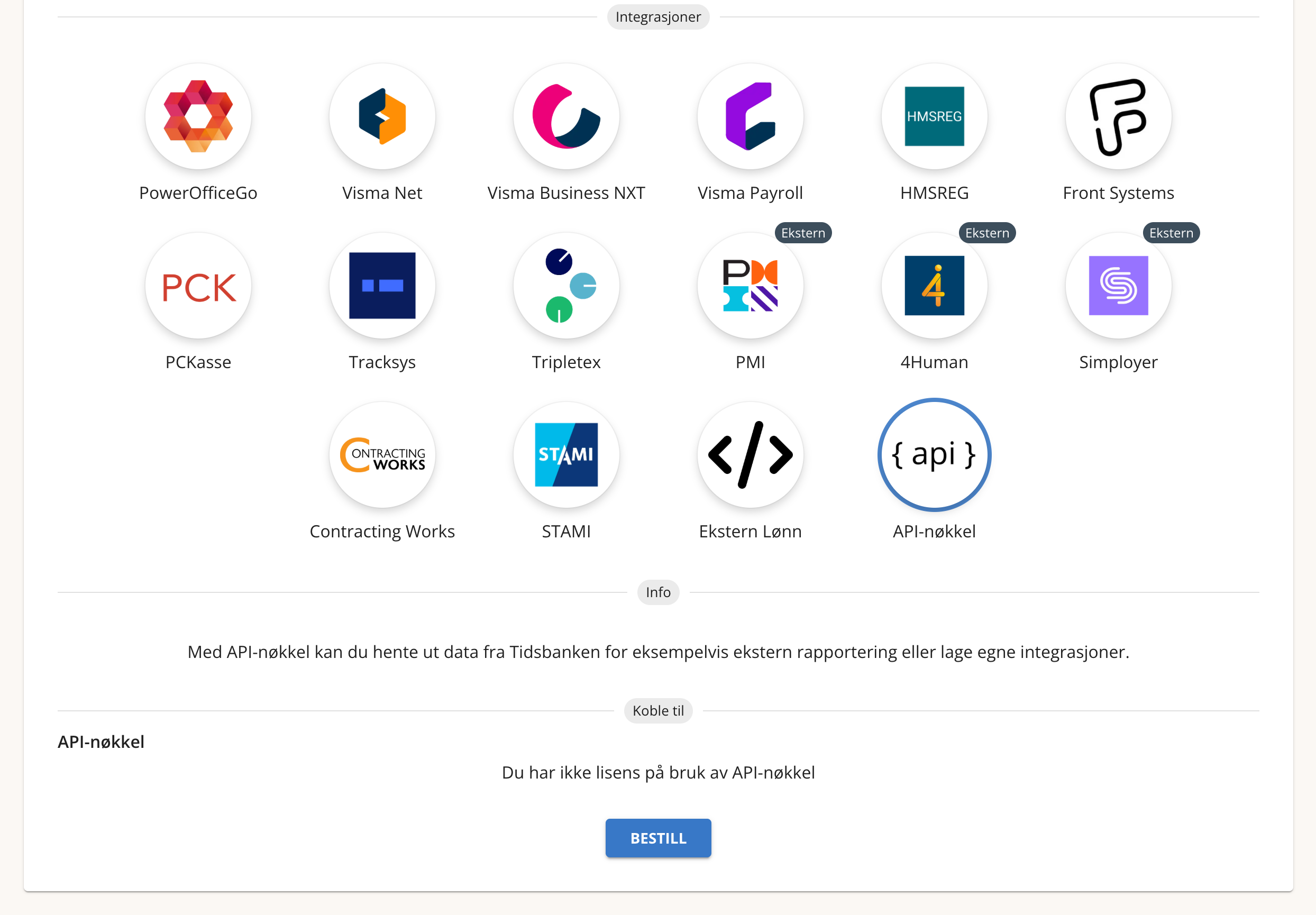
If the API-nøkkel option is not visible, your account may not have an active license for API access. In this case, the feature must be enabled for your environment. Please contact us to order or activate API access.